Your agent keeps coding.
Even when you walk away.
Lassare routes your AI coding assistant's questions to Slack. You answer from your phone. No blocked pipelines, no wasted time, no babysitting.
 Claude Code
  Cursor
  Gemini CLI
 AI agents aren't autonomous. They stall.
You kick off a task, step out, come back 40 minutes later to find your agent frozen on a yes-or-no question. Your time burns while your agent waits. Without a human-in-the-loop, AI coding agents can't move past decisions that need your approval.
Sign up and connect Slack
Create an account, connect your Slack workspace, and copy the MCP server config into your agent.
Agent sends a question
When your coding agent hits a decision point, Lassare routes it to your Slack as a DM.
You reply. It resumes.
Approve, deny, or answer — from your phone, at lunch, commuting, wherever. Agent picks up instantly.
See it in action
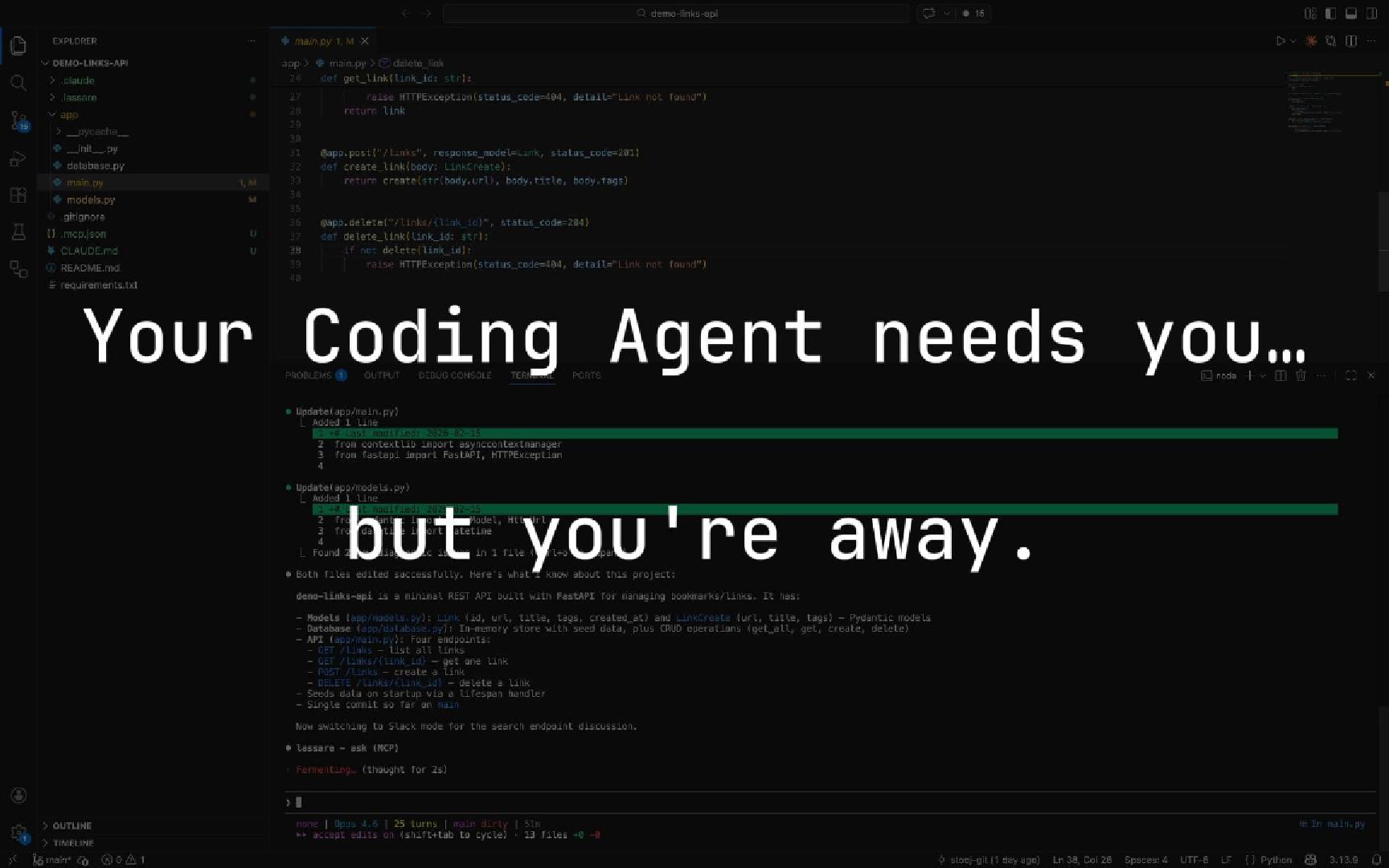
Claude Code asks a question on your phone via Slack — human-in-the-loop (HITL) in action. 1 minute, no fluff.
No tunnel. No black box. Just MCP.
No background processes, no VM, no code access. You control what gets shared. MCP (Model Context Protocol) is the open standard that lets AI agents use external tools — Lassare is just a tool your agent can call.
Full setup guide →{
"mcpServers": {
"lassare": {
"type": "http",
"url": "https://mcp.lassare.com/mcp",
"timeout": 900000,
"headers": {
"Authorization": "Bearer your-api-key"
}
}
}
}
// That's it. No really, that's it. Simple pricing
Start free. No credit card. Upgrade when you outgrow it.
After 30 days, you keep the Free tier (200 questions/month) — or upgrade to Solo to keep the full 2,000.
Free
- 200 questions / month
- Slack DM notifications
- All MCP-compatible agents
Solo
- 2,000 questions / month
- Slack DM notifications
- All MCP-compatible agents
- Higher rate limit (10/min)
Free tier: no credit card required
Frequently Asked Questions
Lassare provides an MCP server that integrates with Claude Code, Cursor, Gemini CLI, and any MCP-compatible agent. When your agent needs input, Lassare routes the question to your Slack as a DM. You respond from your phone, and the answer flows back to your agent instantly.
MCP (Model Context Protocol) is an open standard that lets AI agents use external tools. Lassare uses MCP so any compatible coding agent — Claude Code, Cursor, Gemini CLI, and others — can ask you questions without any SDK or code changes on your side.
Your agent waits up to 15 minutes for your response. When you reply, it picks up right where it left off. If the request expires, your agent will be notified so it can continue or retry.
Yes, you'll need to install the Lassare Slack app. Questions are delivered as direct messages to your Slack. We chose Slack because it's where developers already are — and it works on mobile out of the box.
Remote Control is perfect for developers using (only) Claude Code Pro or Max, who want full session mirroring through Anthropic's app. Lassare takes a different approach: it works with any MCP-compatible agent (Claude Code, Cursor, Gemini CLI, and more), and delivers questions via Slack where you already are — only when your agents need your input. If you use more than one coding agent, Lassare gives you a single channel for all of them.
No. Lassare only sees the questions your agent sends — the text of the question itself. Your code stays on your machine. We don't have access to your codebase, your file system, or your terminal.
You'll get an email warning at 80% usage. At 100%, new questions are blocked until you upgrade or your monthly limit resets. Your agent receives an error so it knows to stop retrying.
Unblock your coding agent.
Ship from anywhere.
Free tier · No credit card · Two-minute setup
Get started free →